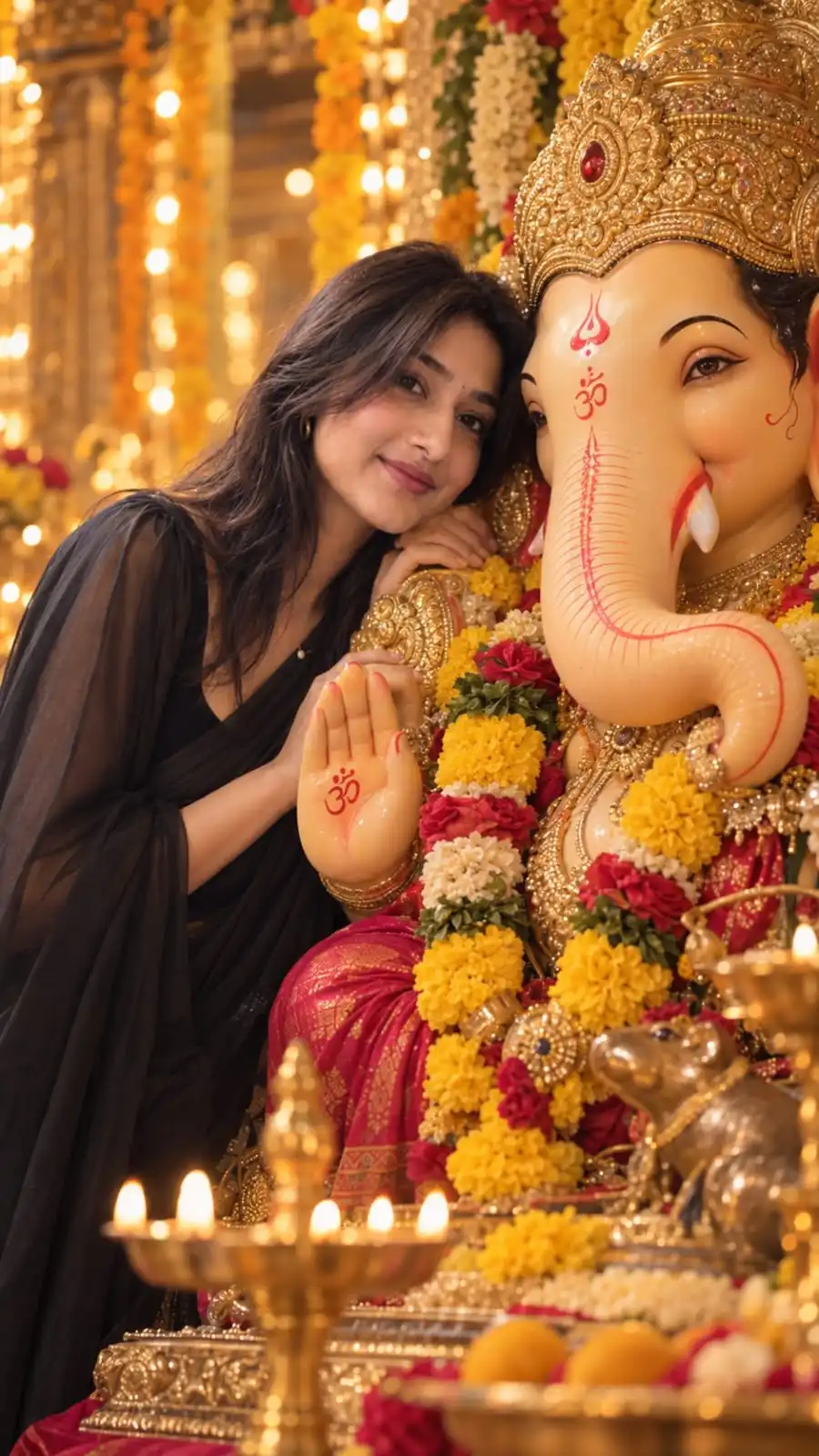
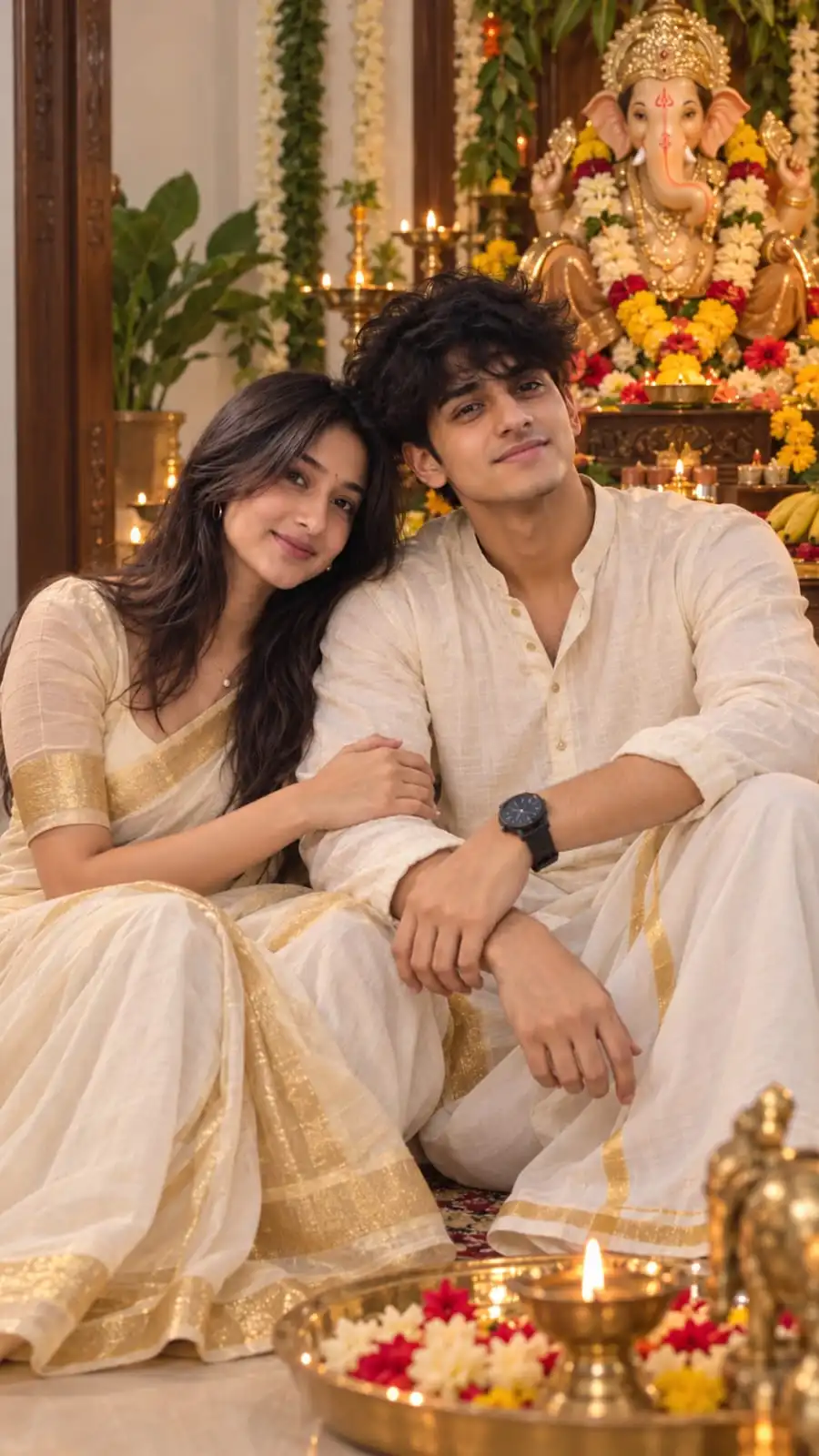
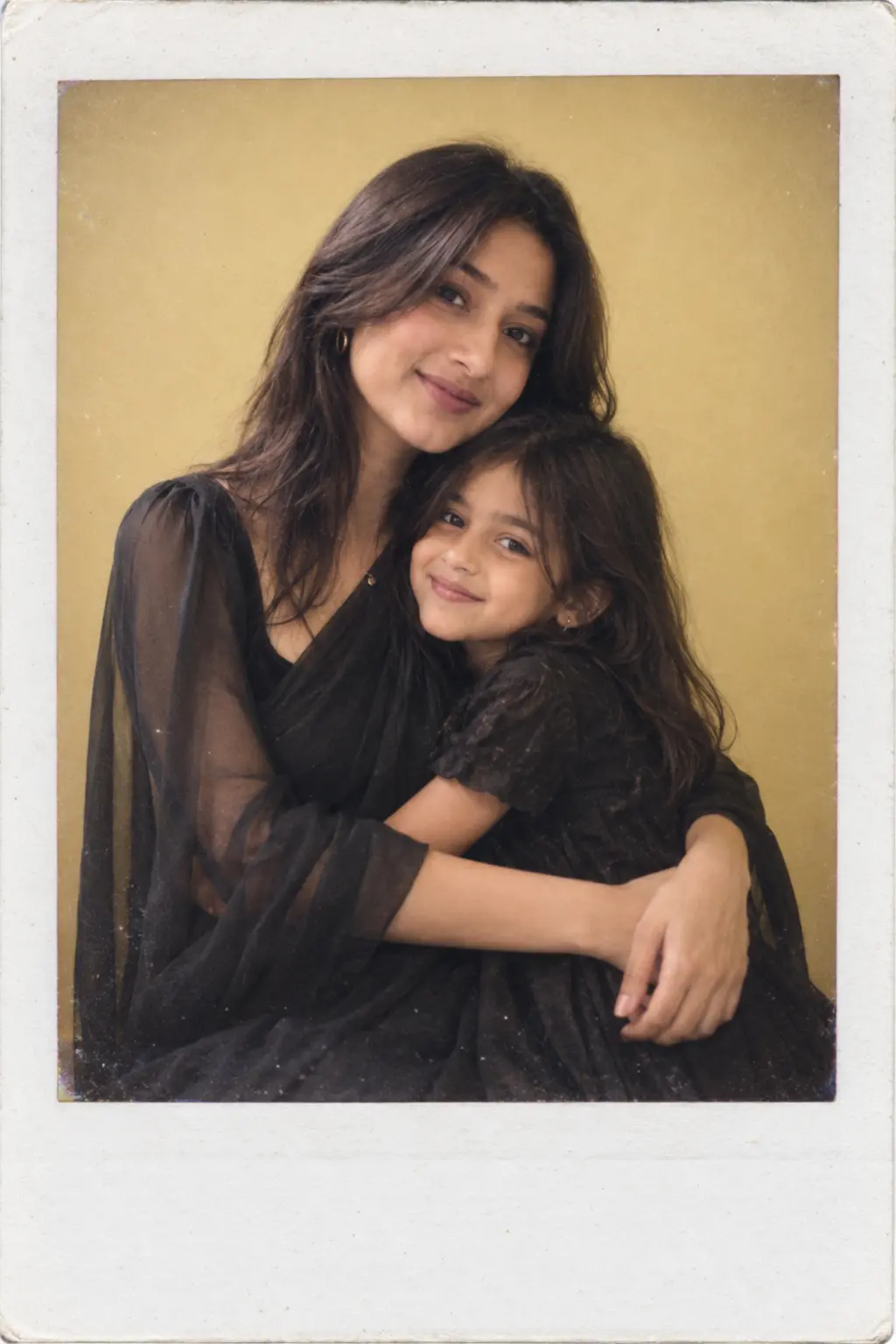
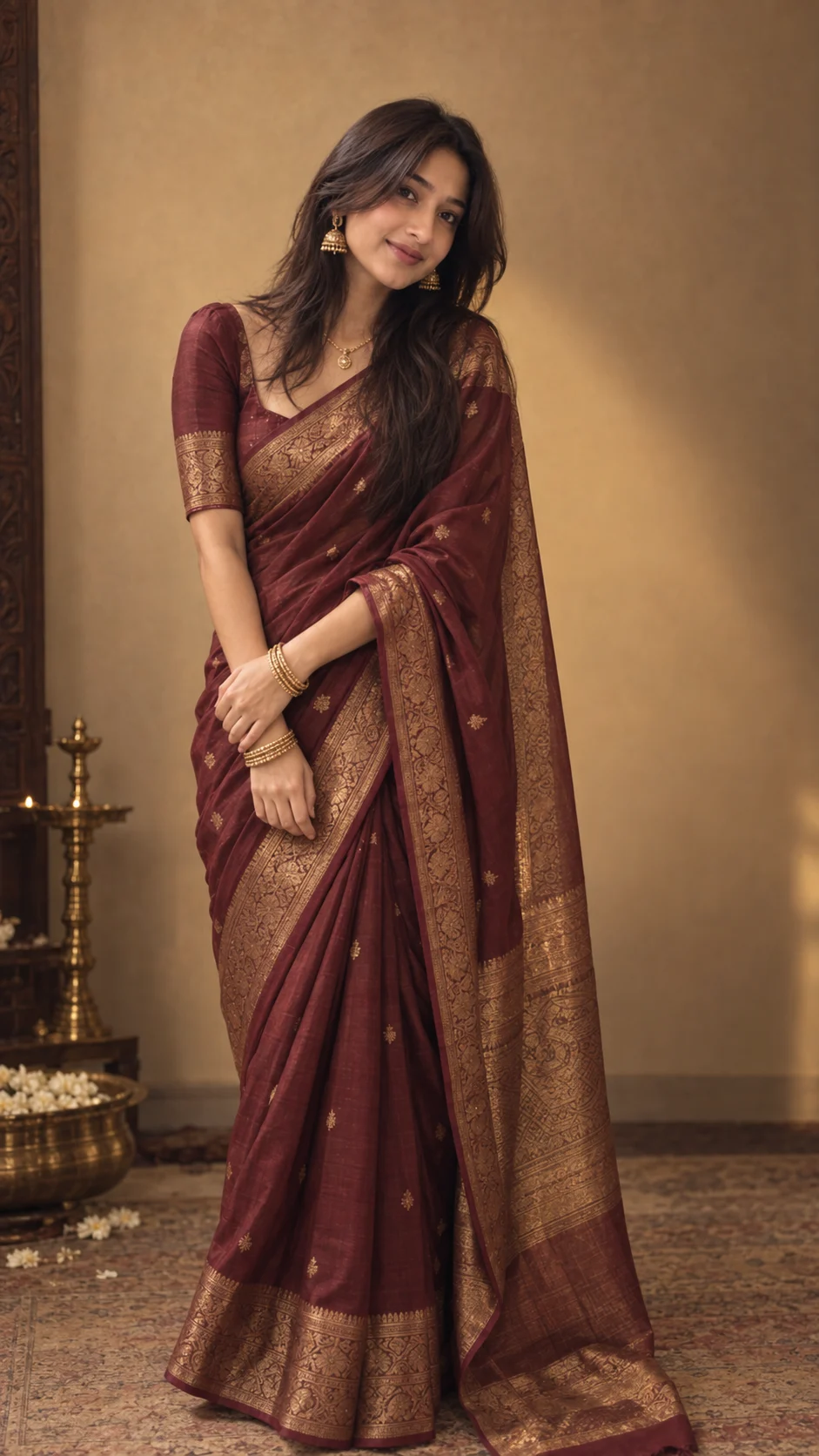
Ganesh Puja Saree Portrait
Last updated Sep 14, 2026
✦Result Preview

✦Exact Prompt
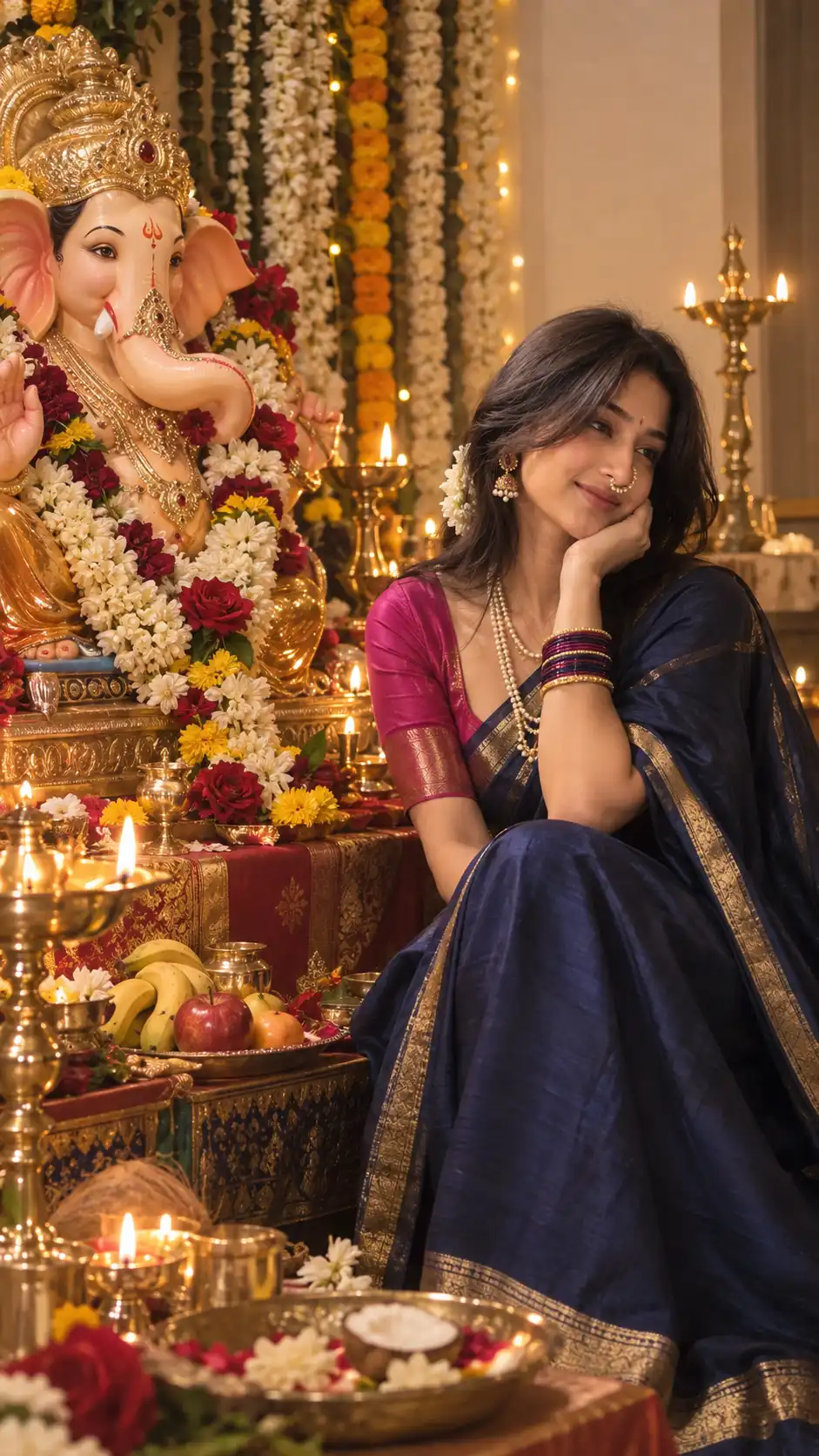
Create a highly photorealistic Indian Ganesh Puja portrait in a vertical 9:16 (3:5-style) composition.
Use the uploaded photo as the identity reference for the woman. Preserve her real facial identity as accurately as possible: same face shape, facial proportions, eyes, eyebrows, nose, lips, cheeks, jawline, chin, forehead, skin tone, natural skin texture, pores, imperfections, asymmetry and original age.
Do not replace, redesign or beautify her face. Do not use an AI-generated face, face swap, beauty filter, skin smoothing, facial reshaping or artificial facial enhancement. Her real face and identity are the highest priority.
SCENE & COMPOSITION:
Create a beautifully decorated traditional Indian Ganesh Puja setting. Place a large, intricately decorated Lord Ganesha idol prominently on the LEFT side of the frame, while the woman is seated naturally on the RIGHT side.
She is naturally turned toward Lord Ganesha and looking at the idol devotionally, NOT looking at the camera. One hand gently supports her cheek in a graceful, natural pose.
OUTFIT:
Dress her in a rich royal/deep navy-blue silk saree with a thin elegant gold border and a deep pink/magenta traditional blouse.
Add authentic Maharashtrian styling:
- Traditional Maharashtrian nath
- Pearl-and-gold earrings
- Layered pearl necklace
- Blue, magenta and gold bangles
- Small half-moon kumkum bindi
- Fresh white jasmine flowers woven naturally into her long dark hair
Keep her hair realistic with individual strands, natural texture and believable volume.
GANESHA IDOL:
Create a large beautifully crafted Lord Ganesha idol decorated with intricate gold ornaments, a traditional crown, marigold garlands, fresh jasmine, red and white flowers and authentic festive decorations.
SURROUNDINGS:
Create a warm, authentic Indian Ganesh Puja atmosphere with glowing brass diyas, a traditional puja thali, brass kalash, brass vessels, flowers, fruits and devotional offerings arranged naturally around the idol.
Add soft golden festive bokeh in the background without making the scene look artificial or overly decorated.
LIGHTING:
Use warm natural diya lighting as the primary mood, combined with soft ambient indoor illumination. Create realistic highlights and shadows across the woman's face, saree, jewelry and Ganesha idol.
Keep natural skin texture, realistic hair, realistic saree fabric, realistic jewelry reflections and physically believable lighting.
PHOTOGRAPHY STYLE:
DSLR-quality photorealistic photography, natural depth of field, realistic lens rendering, subtle cinematic background bokeh, authentic Indian festive photography, warm golden tones, realistic exposure and natural color grading.
The final image must look like a genuine photograph taken during a real Ganesh Puja celebration.
IDENTITY PRIORITY:
The woman's real face and identity are the HIGHEST PRIORITY. Keep her recognizable as the exact person in the uploaded reference image. Only change the scene, clothing, jewelry, pose, Ganesha idol, lighting and environment.
Maintain realistic human anatomy, hands and fingers, natural body proportions and believable interaction with the environment.
No face change, no face swap, no AI face, no beauty filter, no skin smoothing, no facial reshaping, no face slimming, no eye modification, no nose modification, no lip modification, no jawline modification, no age change, no artificial beautification.
No text, no watermark, no logo, no extra people.
Vertical 9:16 aspect ratio.
Advertisement
Best for
What this prompt is useful for
Ganesh Puja posts, traditional portraits and Indian festival content.
Prompt tips
Get better results from this prompt
Use a clear identity reference for accurate facial preservation.
Keep traditional jewelry references detailed when styling accuracy matters.
Use a high-quality reference image with natural facial texture.
Quick guide
How to use this AI image prompt
- Copy the prompt.Use the Copy Prompt button above to copy the complete prompt.
- Choose your image generator.Open the AI image generation tool you normally use.
- Upload your reference photo.Use a clear reference photo so the supported image generator has a strong identity reference.
- Paste and generate.Paste the prompt and generate your first result.
- Refine one detail at a time.Adjust lighting, pose, clothing, location or composition instead of changing everything simultaneously.
Advertisement
Create With Soumay
Looking for more AI image prompts?
Explore the full Create With Soumay library of ready-to-use prompts for couples, selfies, portraits, fashion, vintage photography, anime and more.
Browse All Prompts →