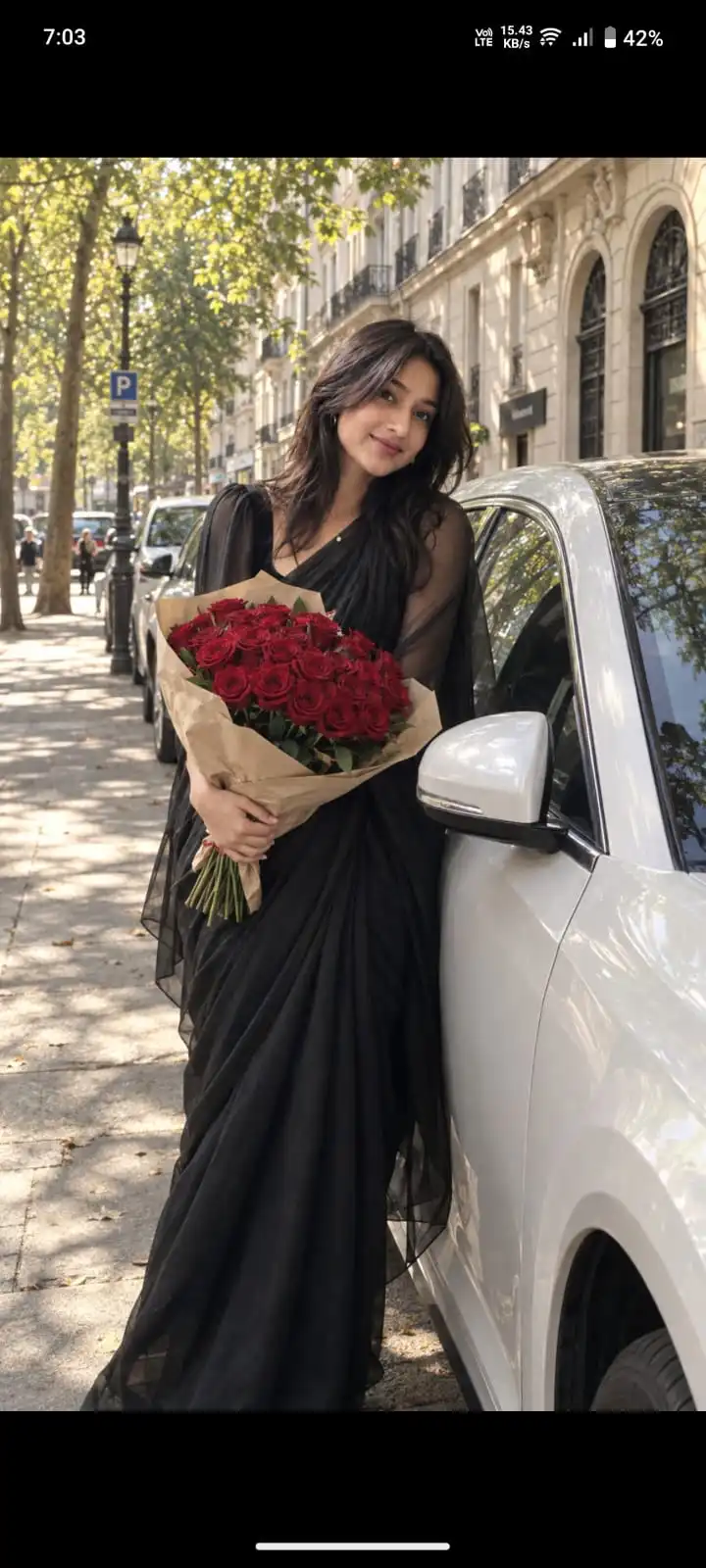
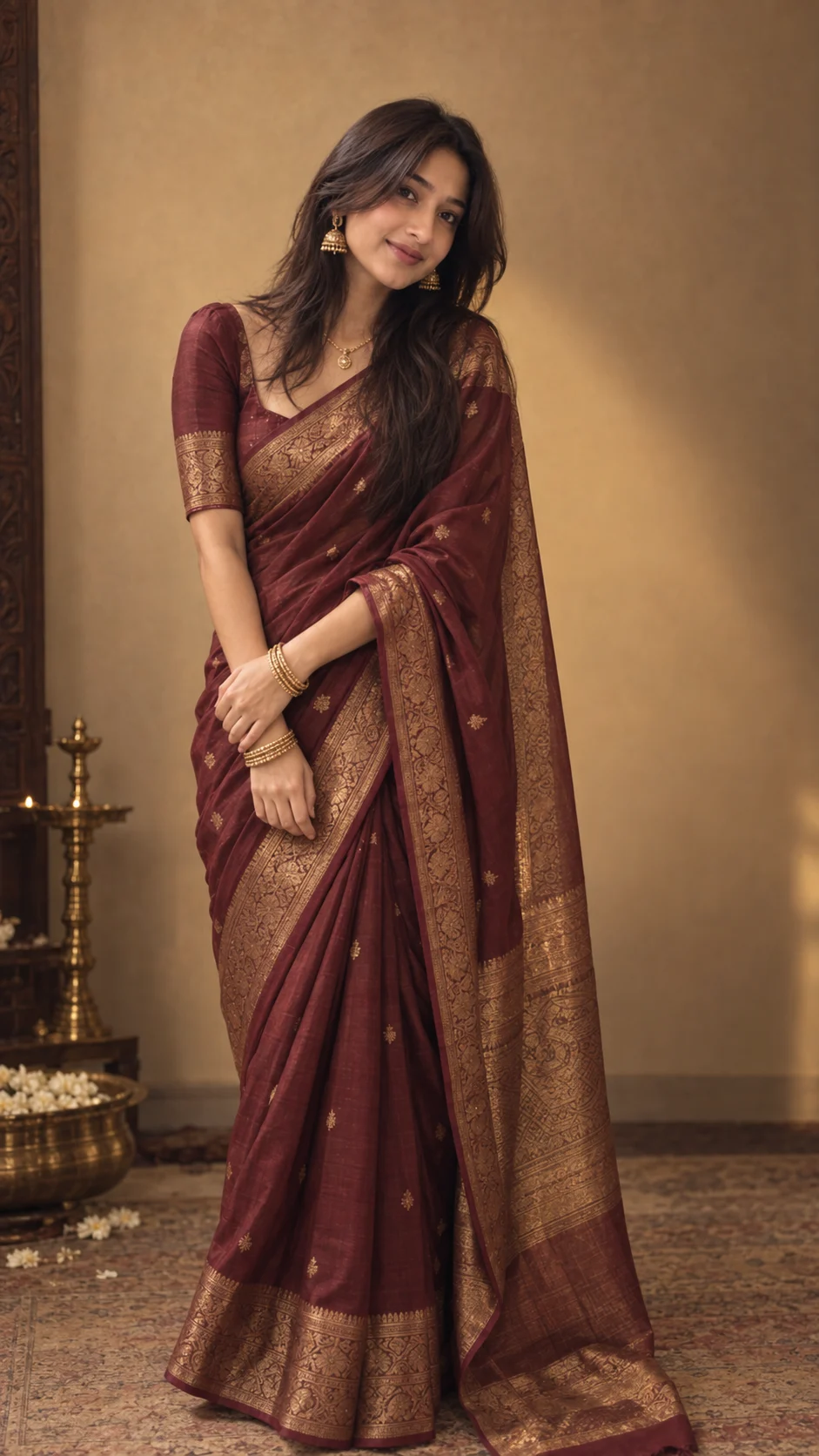
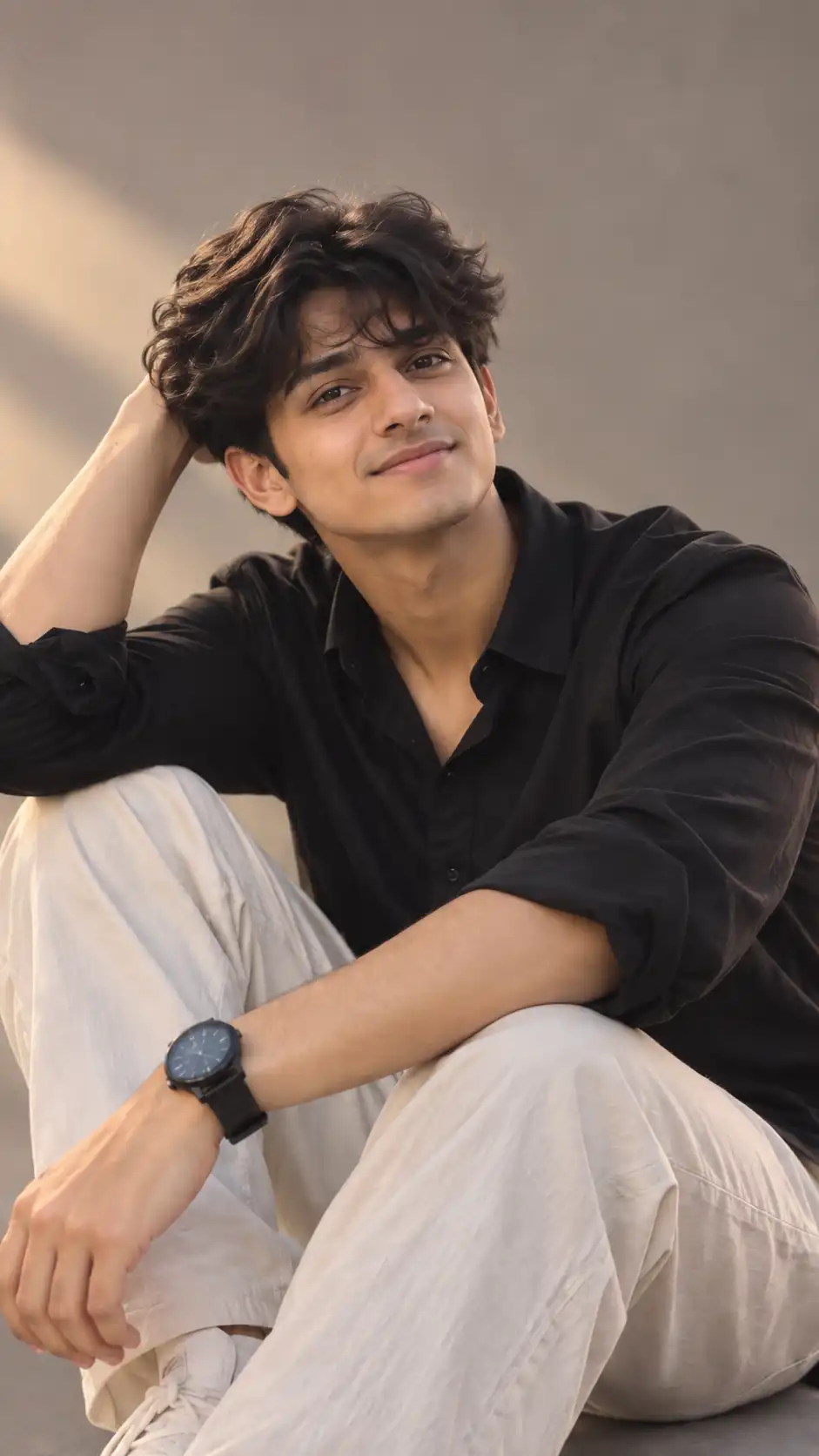
Example visual result this prompt is designed to create.
✦Exact Prompt
Create a highly realistic editorial street-fashion photograph using the provided reference image for the exact overall composition, environment, lighting, pose, clothing style, flowers, car placement, camera perspective, and visual mood, while using the uploaded face-reference image as the sole identity source for the person.
SUBJECT — EXACT IDENTITY & BODY PRESERVATION
Replace the person in the reference image with the person from the uploaded face-reference photo.
The uploaded person must remain unmistakably the same real person. Identity preservation is the highest priority.
Preserve the uploaded person's:
Exact face shape and facial structure
Forehead, eyebrows, eyes, eyelids and eye shape
Nose shape and proportions
Lips and mouth structure
Cheekbones and jawline
Chin and facial proportions
Natural skin tone and texture
Hairline and naturally visible hairstyle
Facial hair pattern, if present
Natural asymmetry and subtle facial imperfections
Overall recognizable identity
Do not redesign, beautify, feminize, masculinize, age, de-age, or otherwise modify the person's face.
Also preserve the uploaded person's natural body identity and proportions:
Natural height and overall proportions
Shoulder width
Torso and limb proportions
Natural body shape
Natural posture and physical characteristics
Do not make the body unnaturally taller, shorter, thinner, broader, more muscular, curvier, or otherwise different from the uploaded person.
The final image must look like the exact same real person naturally photographed in the reference scene.
GENDER & APPEARANCE
The uploaded person may be male or female.
Automatically preserve the person's actual gender presentation and physical characteristics from the uploaded image. Do not convert a girl into a boy or a boy into a girl.
The reference image should control the scene and styling, not the person's identity.
POSE & EXPRESSION
Recreate the reference pose as closely as possible.
The person should be:
Leaning casually against the side of the white/silver car
Body positioned and angled similarly to the reference
One leg naturally relaxed
Holding the bouquet in front of the torso with both hands
Head positioned and tilted similarly to the reference
Wearing a relaxed, romantic, confident expression
Maintaining natural facial proportions and realistic anatomy
Adapt the pose naturally to the uploaded person's actual body proportions.
Do not distort the body or force an anatomically impossible pose.
CLOTHING — REFERENCE-BASED, BUT NATURALLY ADAPTED
Recreate the same clothing style, color, silhouette, material, and overall appearance shown in the reference image, but adapt it naturally to the uploaded person's gender and body.
The clothing should look realistically fitted to the person's actual body.
If the reference contains the black outfit shown above:
Relaxed all-black outfit
Loose black button-up shirt
Naturally open upper buttons where appropriate
Relaxed black wide-leg trousers
Realistic cotton/linen texture
Natural fabric folds and wrinkles
No logos
No patterns
No unnecessary accessories
The clothing may change, but the person's face, identity, hairstyle, body proportions, and natural physical characteristics must NOT change.
Do not use the reference person's face or body as the identity source.
FLOWERS — EXACTLY MATCH THE REFERENCE
Recreate the bouquet precisely:
Large, dense bouquet
Deep red/crimson roses
Many tightly packed individual roses
Clearly visible realistic petals
Dark green foliage
Natural beige/brown kraft-paper wrapping
Same approximate size and shape as the reference
Held naturally at approximately waist/chest level
Do not replace the roses with other flowers.
BACKGROUND & LOCATION — PRESERVE EXACTLY
Recreate the reference environment as closely as possible.
Use the same visual setting:
European/Parisian-style tree-lined city street
Mature tall trees forming a leafy canopy
Warm sunlight filtering through the leaves
Historic beige/cream stone architecture on the right
Distinctive arched openings/windows
Parked cars lining the street
Urban sidewalk and road
Distant street signs and subtle pedestrians
Natural depth and perspective
Do not replace this with a generic city street, studio, garden, modern street, or unrelated location.
Preserve the same spatial arrangement, perspective, depth, architecture, and environmental character as the reference.
CAR
Include the same visual type of white/silver modern car from the reference.
Preserve:
Car position relative to the person
Visible side mirror
Doors
Windows
Side profile
Perspective
Approximate proportions and placement
No distracting branding, logos, or unrealistic vehicle geometry.
LIGHTING
Match the reference lighting precisely:
Warm nostalgic afternoon sunlight
Soft but clearly visible dappled sunlight through tree leaves
Natural highlights and shadows
Realistic light falling across the person's face, clothing, bouquet, car, and pavement
Gentle atmospheric haze
Warm golden tones
Natural exposure
Subtle cinematic/film-like softness
Lighting must remain physically realistic and consistent throughout the scene.
CAMERA & COMPOSITION
Vertical 9:16 portrait composition.
Use approximately:
Eye/chest-level camera position
Natural smartphone/editorial-camera perspective
Similar framing to the reference
Similar subject placement
Similar car placement
Similar architectural depth
Realistic perspective
Mild natural background softness
The person's face must remain clearly recognizable and naturally detailed.
Do not use excessive artificial bokeh that destroys the background.
PHOTOGRAPHIC REALISM
Create an ultra-realistic candid editorial street photograph.
The final image should contain:
Authentic human skin texture
Natural pores and subtle imperfections
Realistic hair strands
Realistic fabric texture
Physically accurate shadows
Realistic hands and fingers
Natural bouquet details
Accurate reflections on the car
Realistic environmental lighting
Subtle film grain
Slight vintage photographic character
Warm cinematic color grading
The result must look like a genuine photograph captured on a real European street, not an AI-generated image, illustration, CGI render, or digitally composited scene.
CRITICAL IDENTITY RULE
FACE AND BODY IDENTITY > EVERYTHING ELSE.
The uploaded person's face and natural body must remain unchanged.
Use the reference image only for:
scene + background + pose + clothing + bouquet + car + lighting + composition + photographic mood.
Use the uploaded image only for:
person's identity + face + natural body proportions + physical characteristics.
Do not copy the reference person's facial features or body shape onto the uploaded person.
NEGATIVE PROMPT
different person, altered identity, face replacement error, changed face shape, changed forehead, changed eyebrows, changed eyes, changed nose, changed lips, changed jawline, changed cheekbones, altered facial proportions, feminized face, masculinized face, beautified face, artificial beauty, excessive retouching, plastic skin, smooth skin, changed skin tone, changed hairstyle, changed hairline, changed facial hair, changed body shape, changed body proportions, thinner body, wider body, taller body, shorter body, exaggerated curves, exaggerated muscles, unrealistic anatomy, distorted hands, extra fingers, missing fingers, malformed hands, duplicated limbs, different person wearing the clothes, incorrect clothing, different outfit color, colorful clothing, logos, jewelry, accessories, different flowers, white roses, tulips, artificial bouquet, incorrect bouquet, generic background, studio background, modern city background, incorrect architecture, altered car, distorted car, excessive bokeh, oversaturated colors, CGI, 3D render, illustration, cartoon, anime, artificial skin, fantasy elements, text, captions, watermark, logo, unnatural shadows, unrealistic lighting.
Advertisement
Best for
What this prompt is useful for
Couple photos, relationship posts and romantic AI image generation.
Prompt tips
Get better results from this prompt
•
Use a clear reference image when identity consistency matters.
•
Describe any clothing, location or prop you want to change before generating.
•
If your generator supports image references, keep the reference strength high enough to preserve recognizable features.
Quick guide
How to use this AI image prompt
Copy the prompt.Use the Copy Prompt button above to copy the complete prompt.
Choose your image generator.Open the AI image generation tool you normally use.
Upload your reference photo.Use a clear reference photo so the supported image generator has a strong identity reference.
Paste and generate.Paste the prompt and generate your first result.
Refine one detail at a time.Adjust lighting, pose, clothing, location or composition instead of changing everything simultaneously.
Advertisement
More like this
Related AI Prompts
Explore more Create With Soumay prompts with similar styles, categories and visual concepts.